How to use tools in the Lab
Steps to Follow
The steps that the user needs to follow to take advantage of the tools installed in the Lab are the following:
Visit the Lab
The Lab is deployed in two different sites. Choose a site to continue:
| Site |
|---|
| Lab at JSC |
| Lab at CSCS |
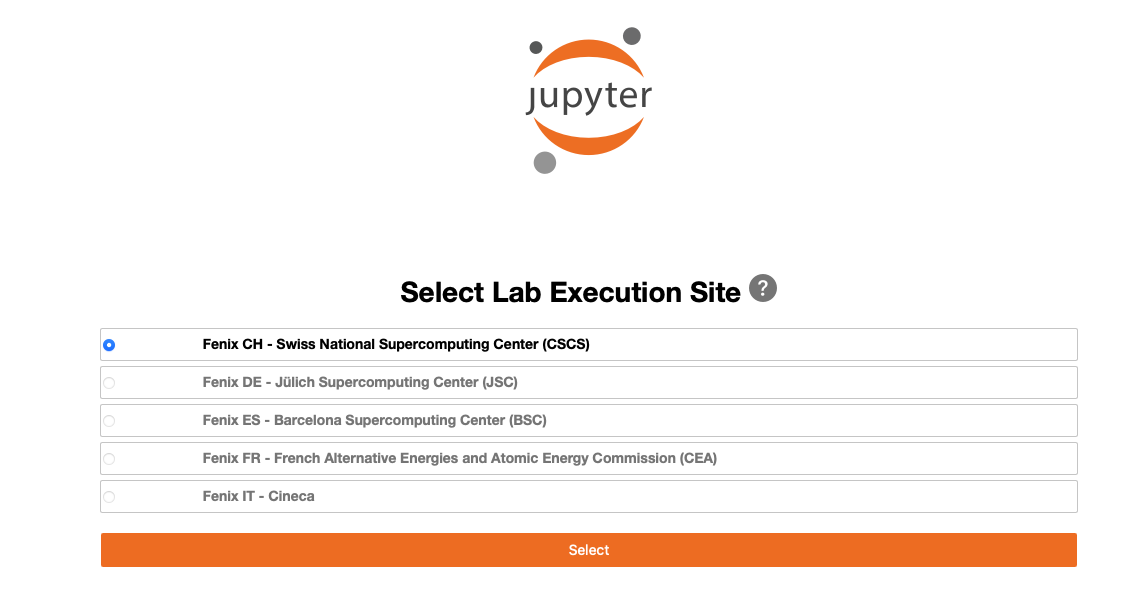
From a collab, start a Lab session selecting a site to run this Lab session
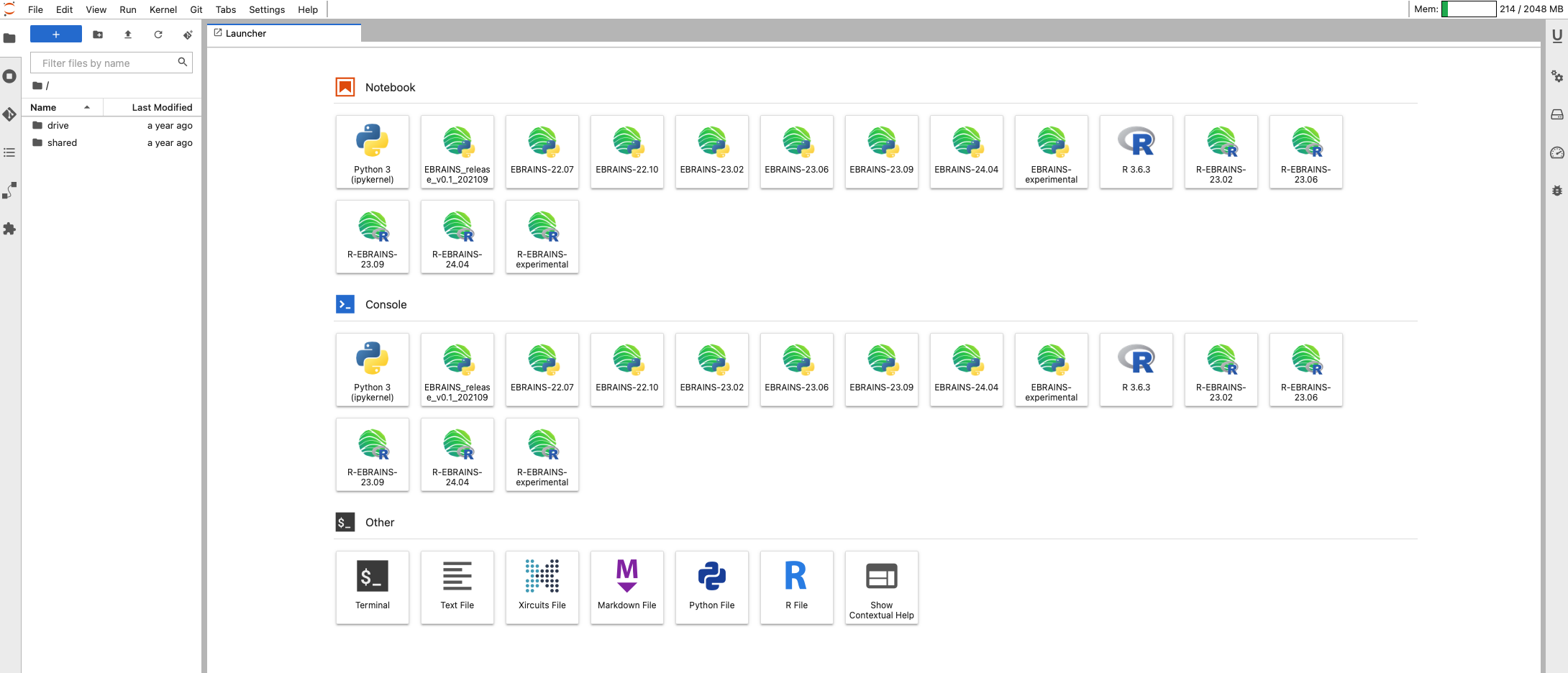
The Lab Launcher’s screen
Select a kernel tostart a new notebook with. Each kernel loads and operates on a central, shared Spack environment that has available all the integrated software components of that release along with their dependencies.(see previous section)
When the new notebook is started, any EBRAINS tool can be seamlessly loaded through standard python import commands: